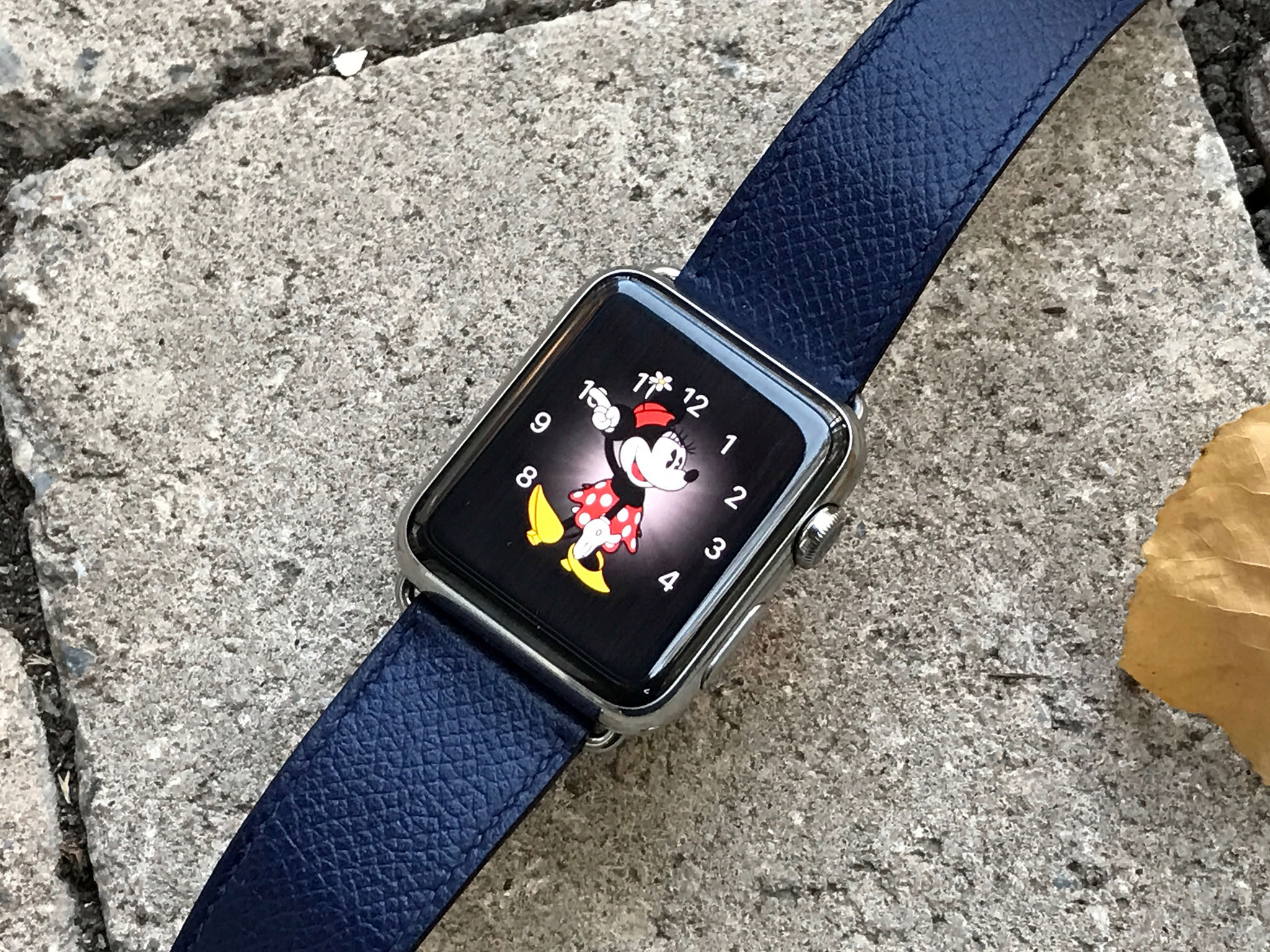
Make it pink! Make it blue! You can change the color and style of your Apple Watch faces.
On Apple Watch, you can have dozens of different watch faces to fit your mood. But did you know that you can also have dozens of different colors to match your outfit? You can also change the style and settings of many of the watch faces with different font types and other aesthetics. Here's how.
How to change the color and style of a watch face via Apple Watch
When you are on the go, you can make quick changes to your watch faces right on your Apple Watch.
- Press the Digital Crown to navigate to the watch face on your Apple Watch.
- Firmly press the watch face to enter customize mode.
- Swipe left or right to select a watch face to customize.
- Tap Customize.
-
Swipe to the right to the first screen. This is the style change screen.
- Some faces only have one or two customization screens. The screens, in order, are Style, Color, and Complications.
-
Rotate the Digital Crown to change the watch face style.
-
This might be a typeface change, like with the Numerical face, or a different time scale, like the Chronograph face. There are different styles for different faces.

-
-
Swipe to the left to access the color change screen.
- Some faces only have one or two customization screens. If you only see a style screen, it means there is not a color change option. If you only see a color screen, it means there is not a style change option.
-
Press the Digital Crown to exit customize mode.
-
Tap the screen when finished.

How to change the color and style of a watch face via iPhone
It is convenient to be able to customize your watch face right on your Apple Watch, but it is much easier to do so on your iPhone.
- Launch the Watch app on your iPhone.
- Tap the My Watch tab.
-
Tap a watch face under My Faces.

-
Tap a color.
- If you don't see a color option, that means the selected watch face does not support color changes.
-
Select a style.
- The style options might be typeface, time scale, or another design option.
-
If you don't see a style option, that means the selected watch face does not support style changes.

The color and style changes will automatically update on your Apple Watch.
Don't forget to add complications to your watch faces
In addition to changing the color and style of your watch faces, you can add complications for even deeper productivity integration.

How to change the color of your Apple Watch face to match your outfit posted first on http://bestpricesmartphones.blogspot.com

No comments:
Post a Comment