Wondering how to downgrade watchOS on your Apple Watch? You can't.
For years, installing a developer beta of watchOS meant there is no turning back. There is no current means of uninstalling and reverting watchOS to a previous like you can with iPhone and iPad or Mac. This year, Apple has launched a public beta for watchOS for the first time, but you still can't downgrade to a previous version, so install with caution. From Apple's support document:
Please note Apple Watch cannot be restored to previously-released OS versions once the public beta is installed.
Why your Apple Watch won't let you downgrade its software
The Apple Watch is a unique piece of hardware in Apple's product lineup. Because of its compact size, water and dust resistance, and overall design, it doesn't feature any (consumer accessible) physical connectivity options. Apple Watch uses Wi-Fi and Bluetooth to connect and communicate with your iPhone. When you update watchOS on your Apple Watch, the device connects to your iPhone and downloads the software.
Without any physical connection options, there are limits on what you can and can't do with the device in order to protect it from being accidentally bricked or otherwise corrupted. If an update or software installation fails on iPhone, you can plug the device into your computer and fix it using iTunes. An Apple Watch with a corrupted installation, however, may not be able to connect over Wi-Fi or Bluetooth — that could mean having to send the device into Apple in order to fix the installation. Downgrading your operating system falls within the bounds of Things That Work Much Better With A Physical Connection, so your Apple Watch can't do it.
Experiencing problems with watchOS? Here are some troubleshooting tips!
There's probably a reason you're wanting to downgrade your Apple Watch to an earlier or non-beta version. If it's a usability or design concern, we can't be much help. If you're running into problems, though, we've got some tips that just might help you out!
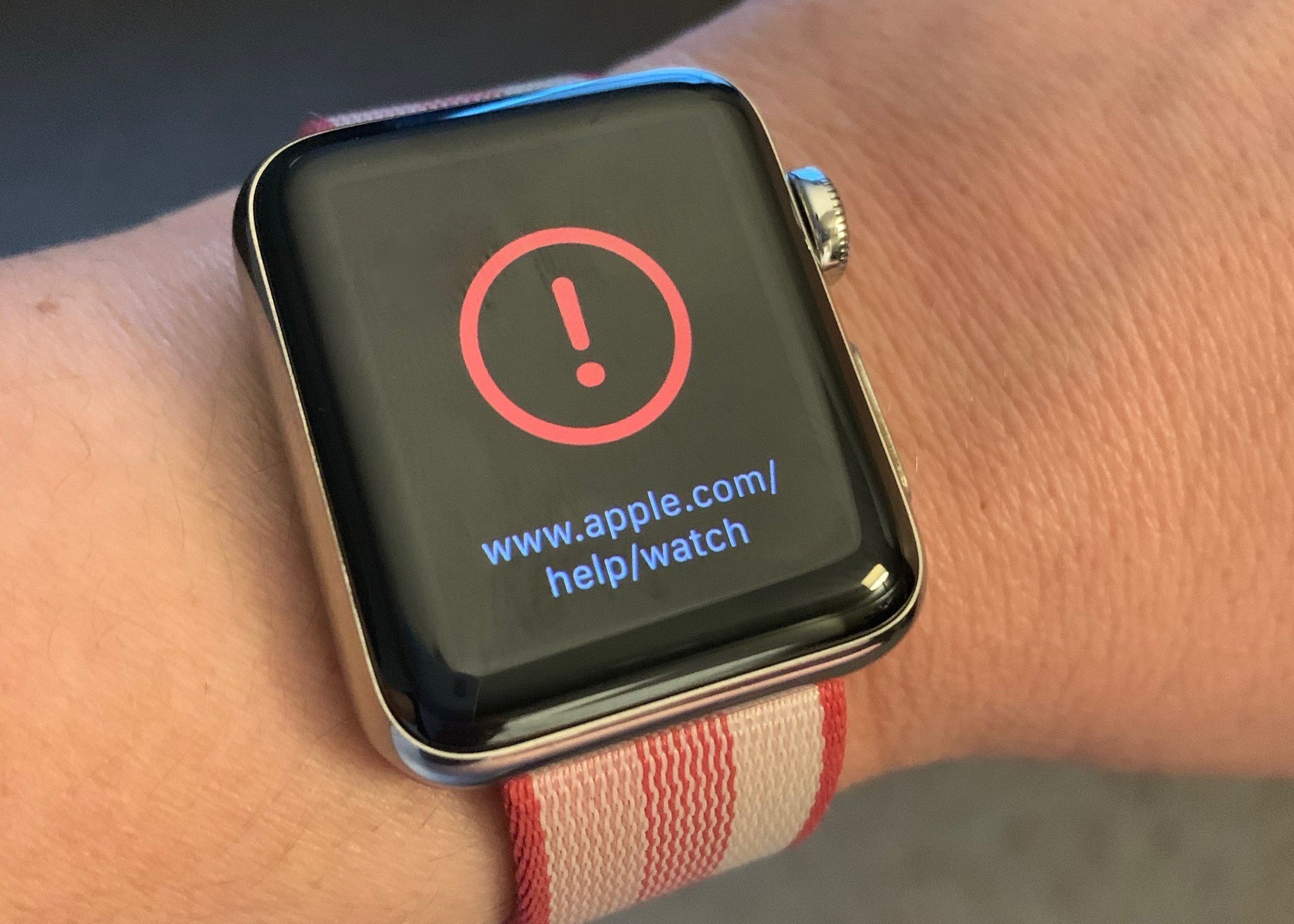
Got a red exclamation point? Don't freak out!

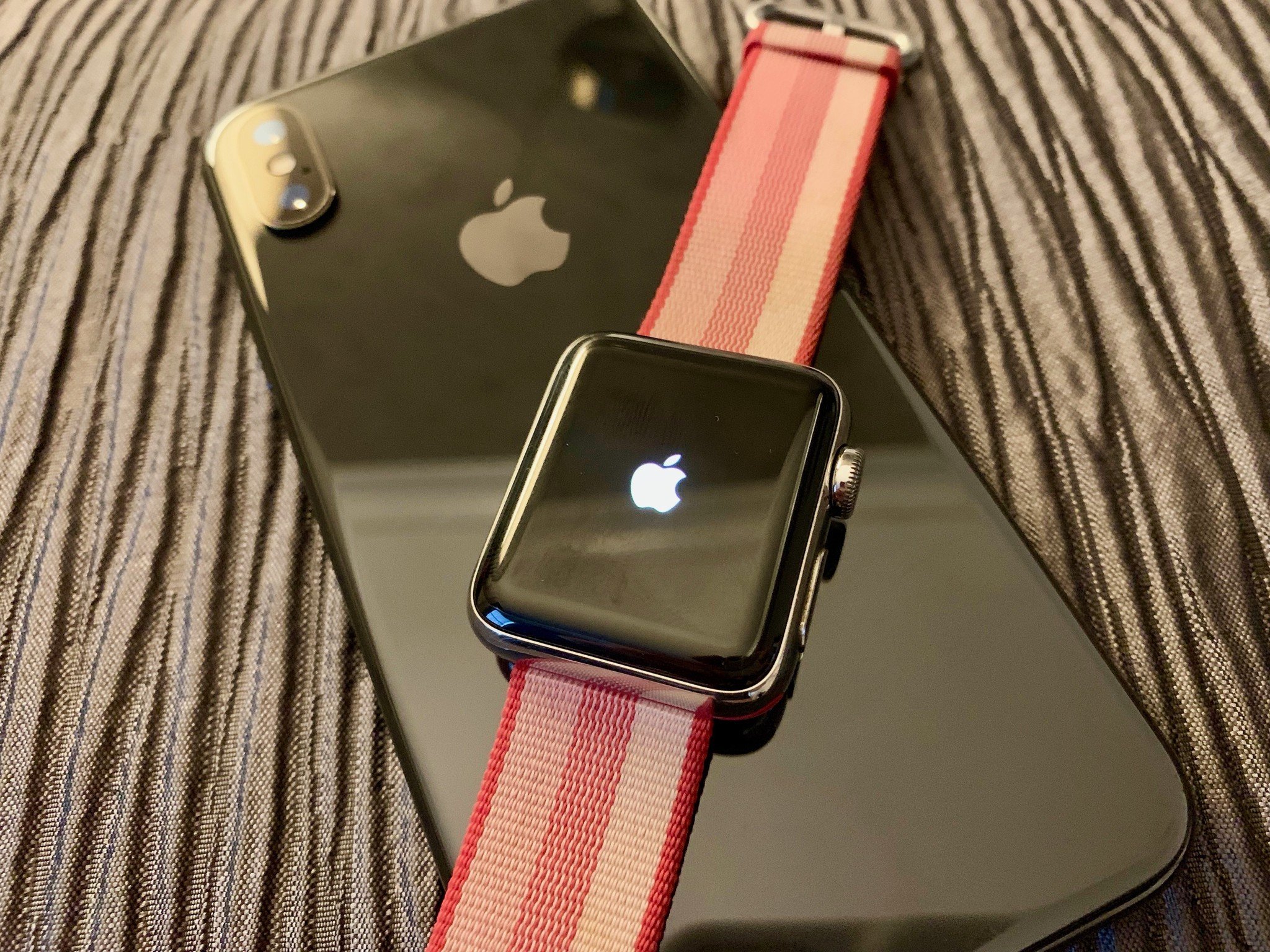
If, during the installation process or after you've installed a new watchOS update or beta, you see a red exclamation point with a circle around it, it doesn't necessarily mean you're Apple Watch is bricked. Try holding down the Side button and Digital Crown at the same time for 10 seconds and then let go. You should see the Apple logo. Wait a couple of minutes until your Apple Watch looks normal again.
Of course, if this doesn't fix the problem, it's off to Apple support for you!
Battery problems? We've got a guide for that!
It's often the case that after installing a watchOS update or beta, some Apple Watch users claim their battery life is terrific and others say it's terrible. That's not unusual. All of our devices are so complicated now that even small differences can result in big disparities in power and performance. If you're having problems (or just dealing with a sluggish Watch), here are some troubleshooting tips you can try!
How to fix watchOS and Apple Watch battery life problems
Connectivity problems? We've got a guide for that!
While the Apple Watch is more robust in keeping connections than it has been in years past, there's still a chance you may run into a situation where your watch just isn't recognizing your iPhone — or its cellular connection. And while the Apple Watch can store up to 30 days of health and other data without connecting to an iPhone, chances are you'll prefer to connect — and back up — that data sooner rather than later.
Apple Watch won't connect to your iPhone? Here's the fix!
App problems? We've got a guide for that!
You can kill any Apple Watch app at any time by force quitting it. Though the implementation differs slightly, the idea is the same as the iPhone or iPad. More importantly, it's every bit as simple and easy to do.
How to force quit apps on the Apple Watch
Questions or concerns?
Have any thoughts about not being able to downgrade the software on your Apple Watch? Experiencing issues with the latest version of watchOS? Give us a shout in the comments and we'll do our best to help you troubleshoot!
Updated August 2020: Updated for watchOS 7 beta.

If you're testing ANY beta of Apple Watch, you can't downgrade posted first on http://bestpricesmartphones.blogspot.com

No comments:
Post a Comment