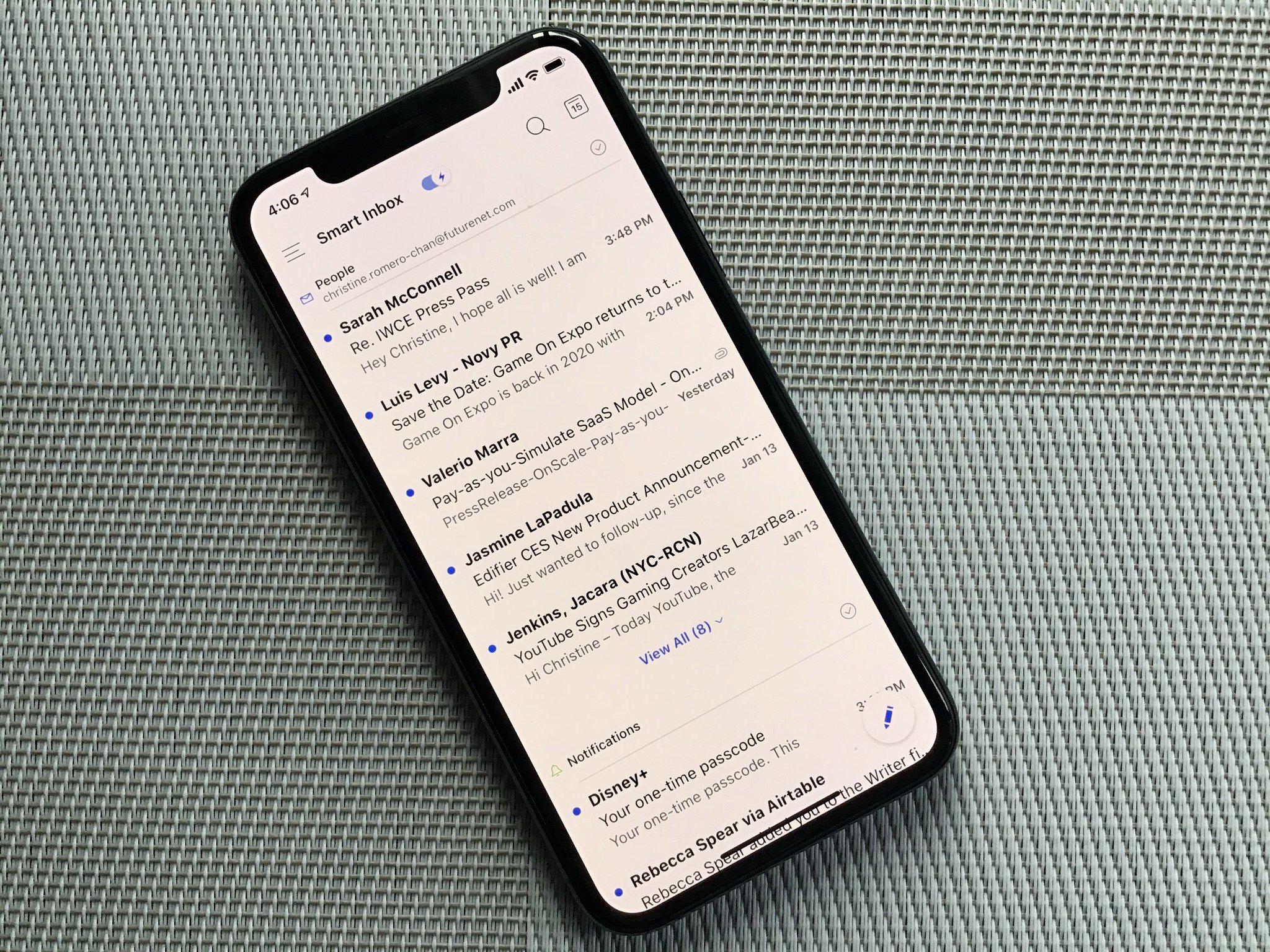
You can finally change your default email or web browser app in iOS 14. Here's how to do it.
Beginning with iOS 14 and iPadOS, you can change the default apps for your mail and web browser on your iPhone and iPad, respectively. Here are the steps to do so.
What this means
For the first time in the history of iOS, you can now assign default apps on your mobile devices. Until now, the native Mail and Safari apps served these purposes and still do unless you make a manual change.
To change your default apps, you must have iOS 14/iPadOS 14 installed on your devices. Additionally, third-party apps must support this feature.
How to change the default mail app on iPhone and iPad
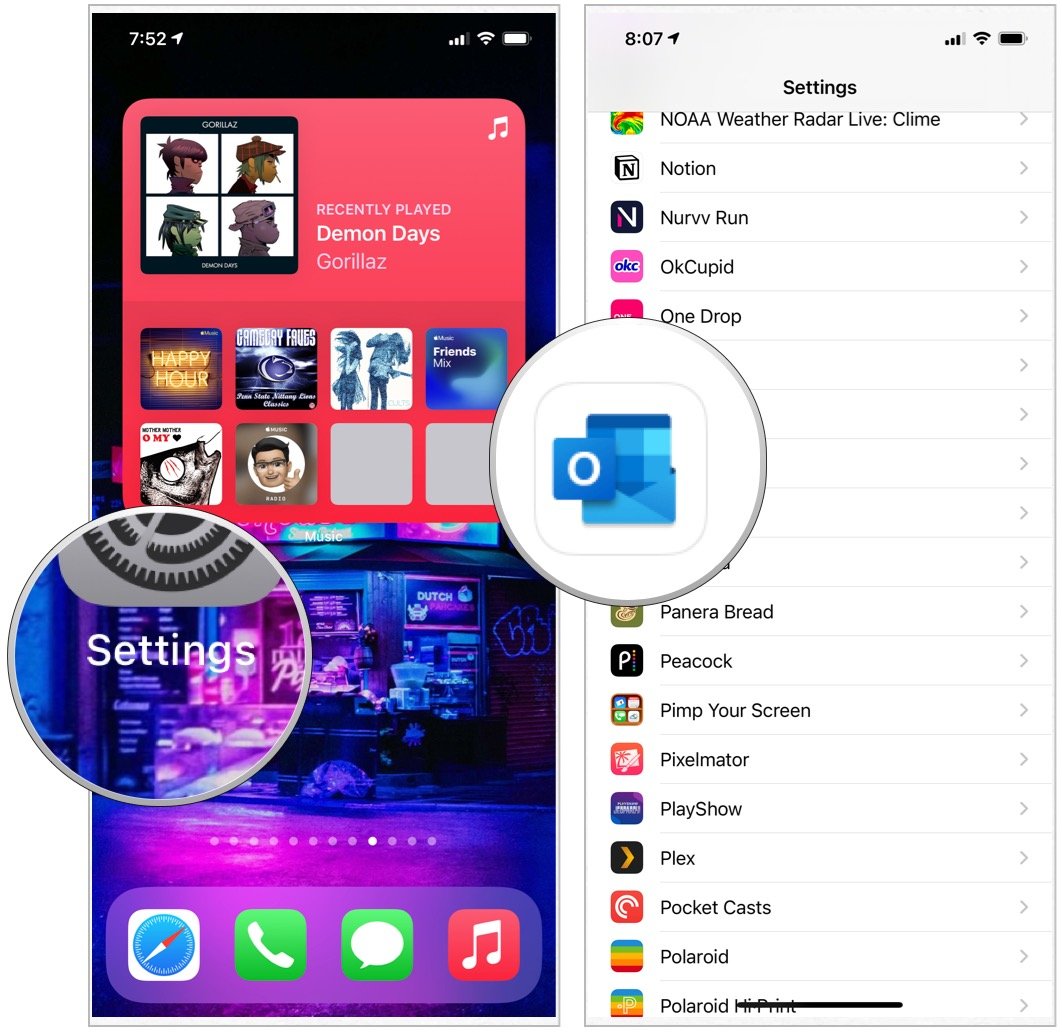
- Tap the Settings app on your device.
-
Choose the third-party app you wish to make the default.
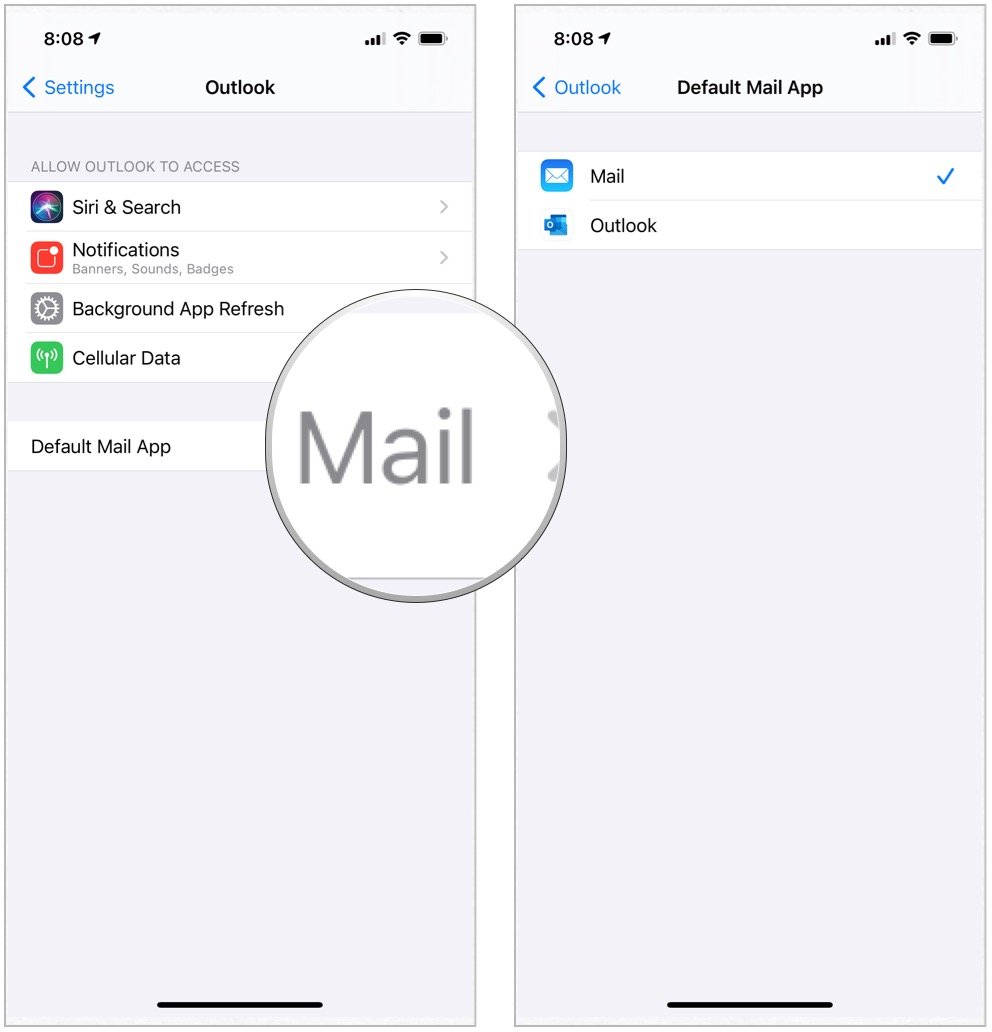
- Select Default Mail App.
-
Choose the app from the list.
How to change the default browser app on iPhone and iPad
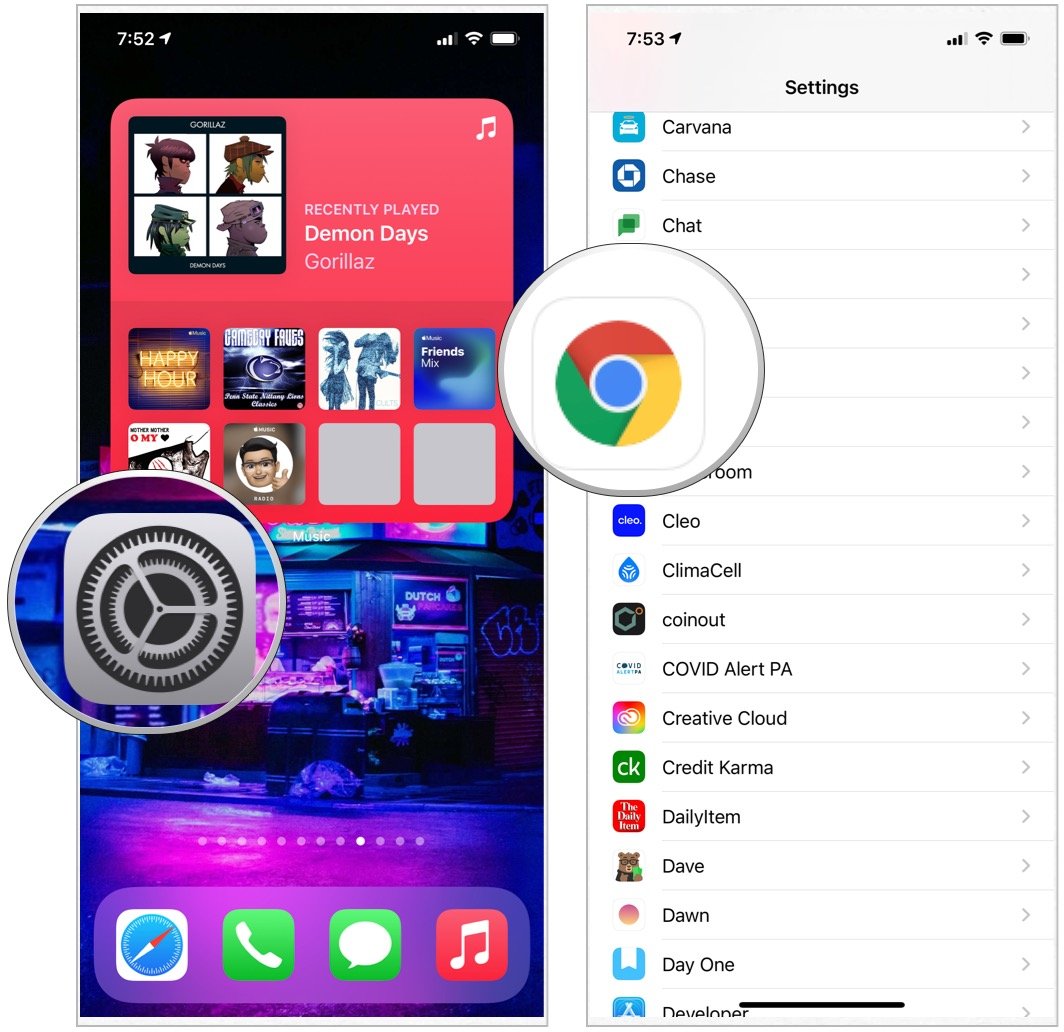
- Tap the Settings app on your device.
-
Choose the third-party app you wish to make the default.
- Select Default Browser App.
-
Choose the app from the list.

These solutions work on all of our favorite iPhones and iPads, as long as the latest software is installed.
Questions?
Do you have any questions about assigning default apps or about iOS 14/iPadOS 14 in general? Let us know in the comments below.

Finally, you can choose your default apps on iPhone — here's how! posted first on http://bestpricesmartphones.blogspot.com

No comments:
Post a Comment