
The new tool makes it simple to find photos, links, podcasts, and other items shared with you through Messages.
When people send you content, be it pictures through Messages or a link to a new podcast, it used to be a pain to find that content later. In iOS 15 and iPadOS 15, Apple has created a Shared with You feature that makes it easy to find content people have sent you.
When you have iOS 15, Shared with You content will be baked right into your best iPhone apps like Messages, Podcasts, Safari, and others. Here's how to use Shared with You on iPhone and iPad.
Apple occasionally offers updates to iOS, iPadOS, watchOS, tvOS, and macOS as closed developer previews or public betas. While the betas contain new features, they also contain pre-release bugs that can prevent the normal use of your iPhone, iPad, Apple Watch, Apple TV, or Mac, and are not intended for everyday use on a primary device. That's why we strongly recommend staying away from developer previews unless you need them for software development, and using the public betas with caution. If you depend on your devices, wait for the final release.
How to find Shared with You content in Messages on iPhone and iPad
If your friends or family like to send you photos and links in Messages, you can now see all the content a certain contact they have sent you in the Messages app.
- Launch Messages from your Home screen.
-
Tap the conversation you want to view Shared with You content.
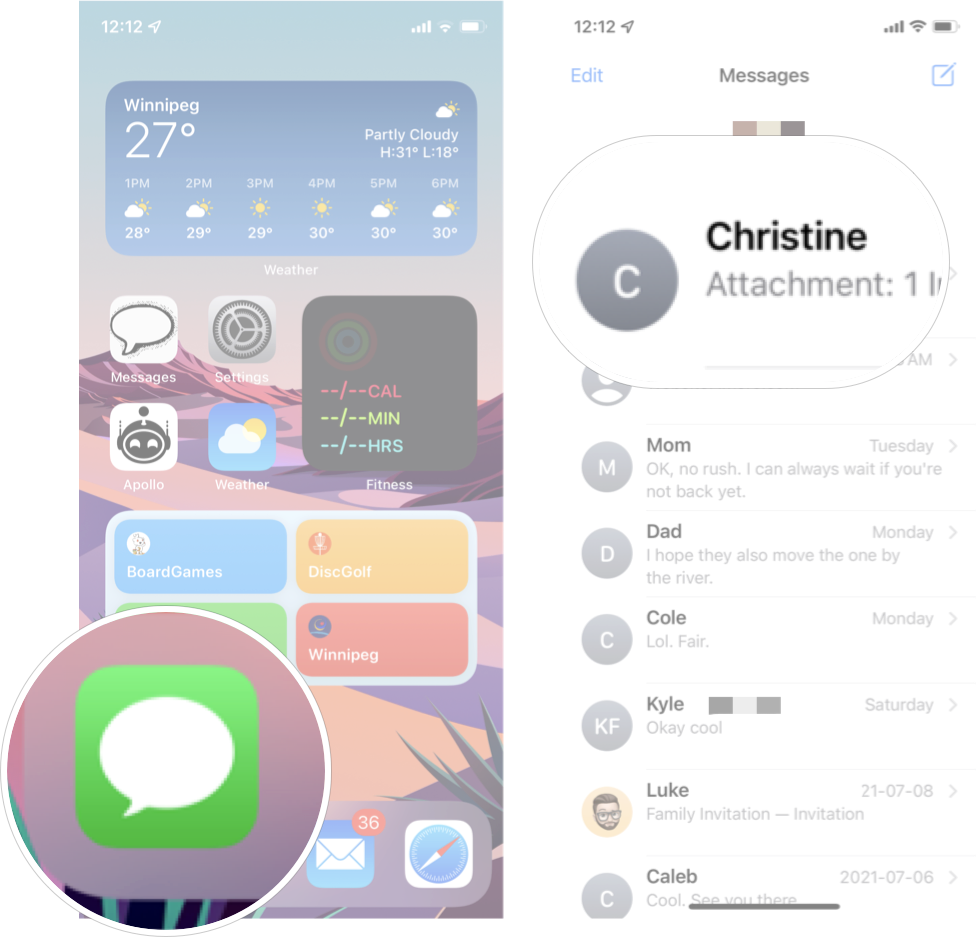
- Tap their contact icon at the top of the screen.
-
Scroll down to view the content they have shared with you.

Here is where you'll see photos, links, and even documents that the contact has sent you.
How to find Shared with You content in Podcasts on iPhone and iPad
If someone sends you a link to a podcast in Messages, you could find it in Messages or even find it right in the Podcasts app.
- Launch **Podcasts* from your Home screen.
-
Scroll down to find the Shared with You section.
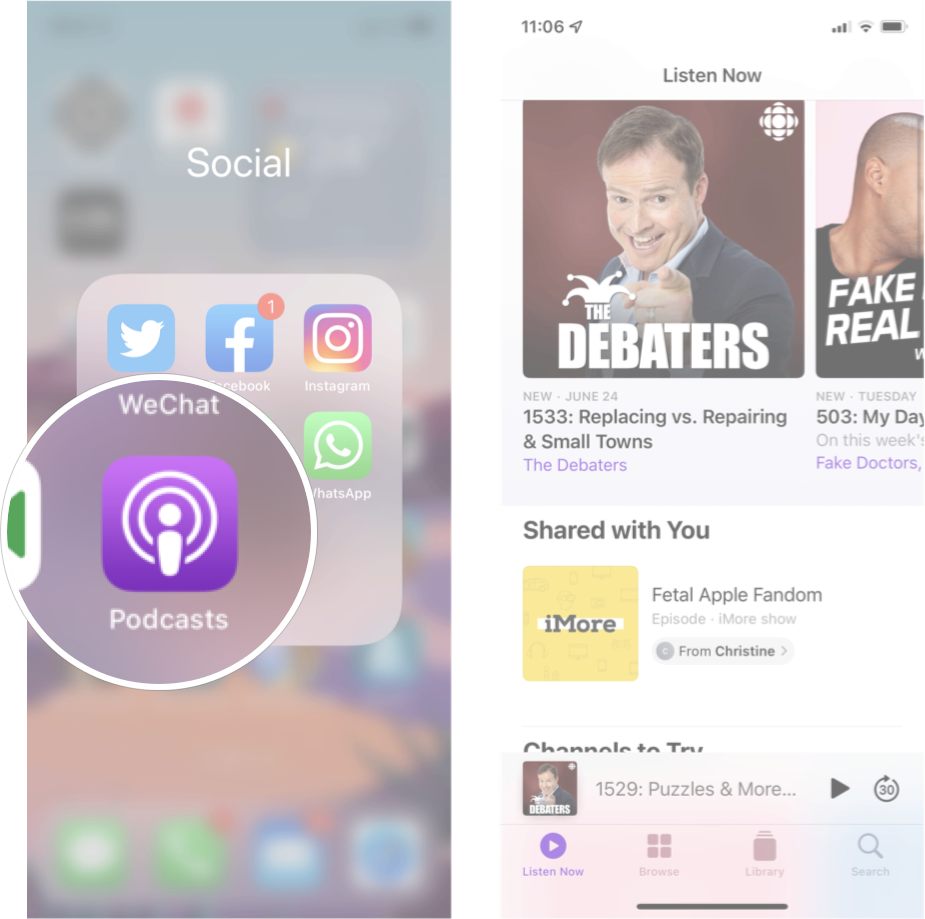
Just like that, all the podcasts people have shared with you should be right there for you to take a listen.
How to find Shared with You content in Photos on iPhone and iPad
Photos that people share with you are also accessible directly in the Photos app.
- Launch Photos from your Home screen.
- Tap the For You tab.
-
Scroll down to the Shared with You section.
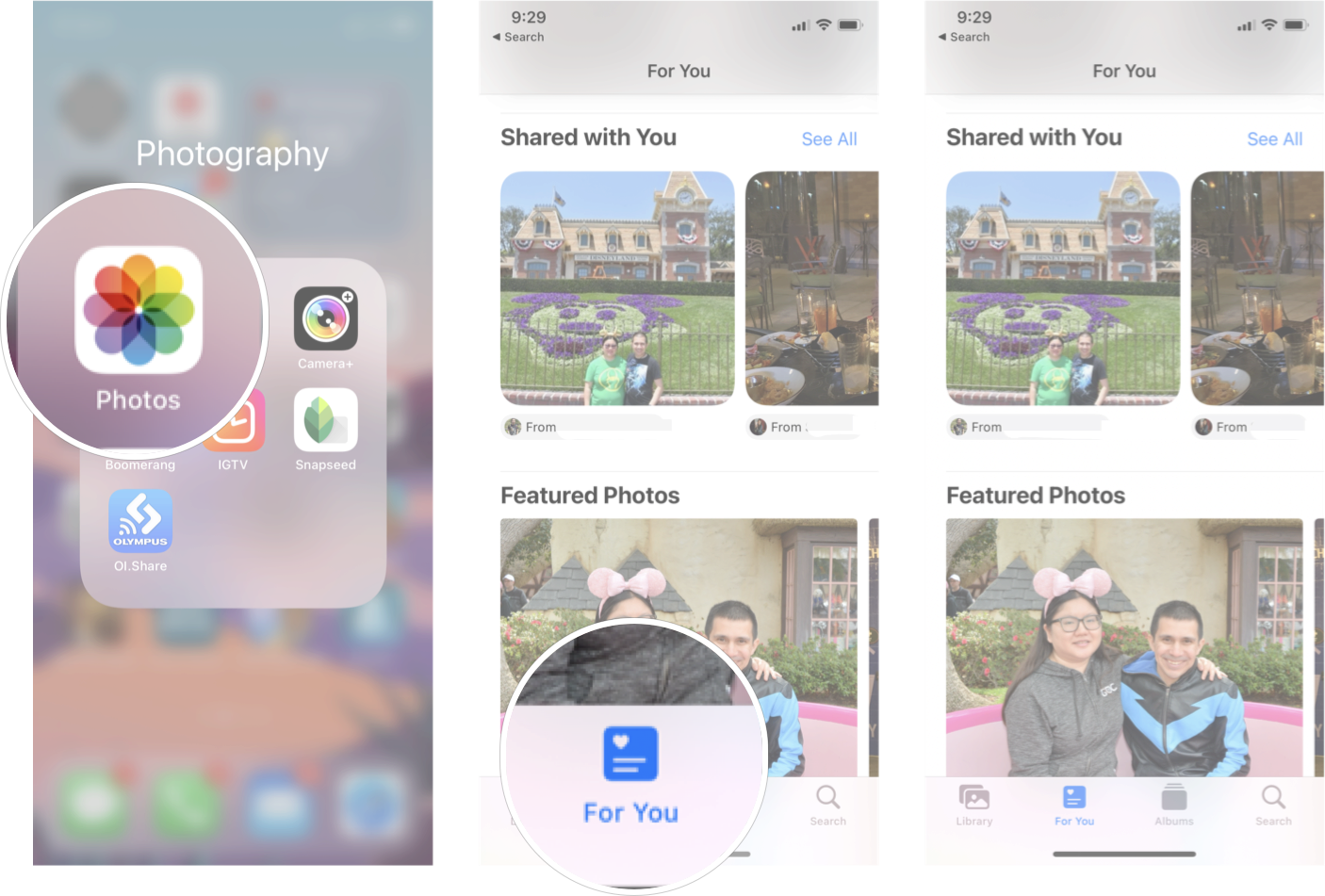
While testing out this feature, I did have some trouble replicated the results. Some photos people had shared appeared, and others didn't. This likely is a beta issue after all these features aren't released yet for a reason. So, if you're having trouble finding photos, keep that in mind.
How to find Shared with You content in Apple TV app on iPhone and iPad
- Launch the Apple TV app from your Home screen.
-
Scroll down to the Shared with You section.
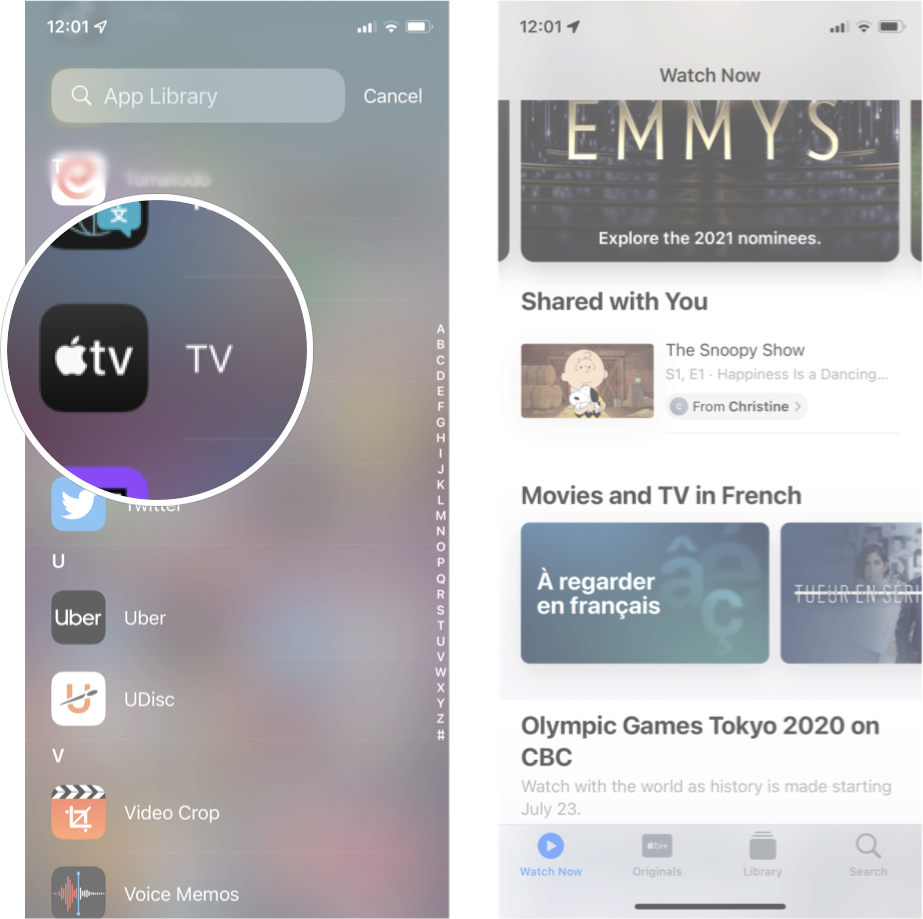
You can easily play any of the content you see here by tapping it.
How to find Shared with You content in Safari on iPhone and iPad
You don't need to go through your conversations in Messages to find those important links your friends and family have sent you — you can find them right in Safari.
- Launch Safari from your Home screen.
-
See the Shared with You section on the Safari Home page.

Just like that, all the Shared with You links are right there waiting for you.
Any questions?
Let us know in the comments down below.

Shared with You makes it way easier to find content friends have sent you posted first on http://bestpricesmartphones.blogspot.com

No comments:
Post a Comment